How we set it up.
Step by step walkthroughs from each team member covering different aspects of the project.
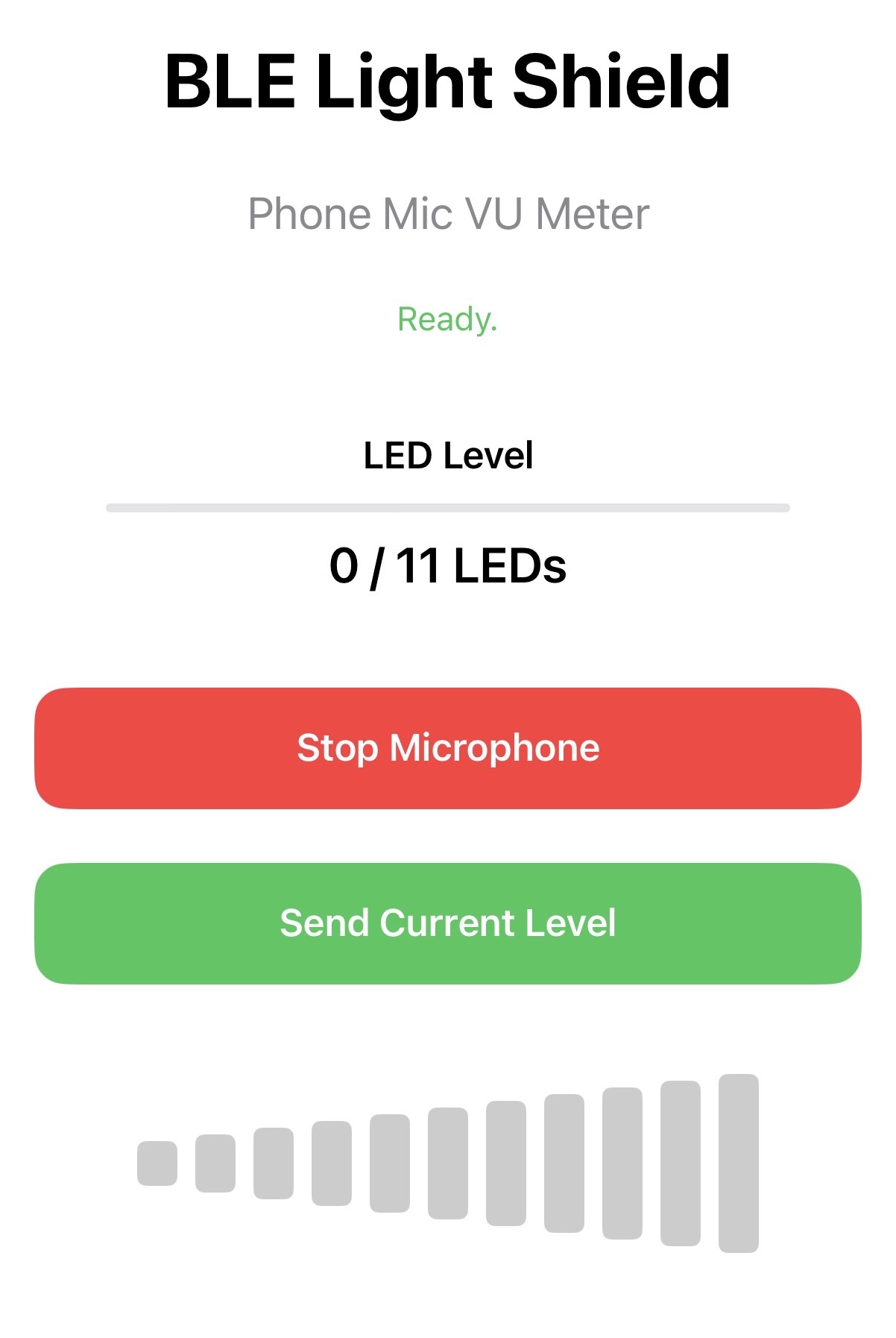
Building a BLE Phone App
A step by step tutorial created for a different project that uses the same core idea as AutoBlinds. A Swift iPhone app communicating with an ESP32 over Bluetooth to control physical hardware.
- 1Set up an ESP32 as a BLE peripheral and test it with nRF Connect.
- 2Build a Swift app in Xcode that scans, connects, and sends data to the ESP32.
- 3Apply the same BLE structure to AutoBlinds where the phone sends a command, ESP32 drives the motor.
Controlling a Stepper Motor with the TMC2209
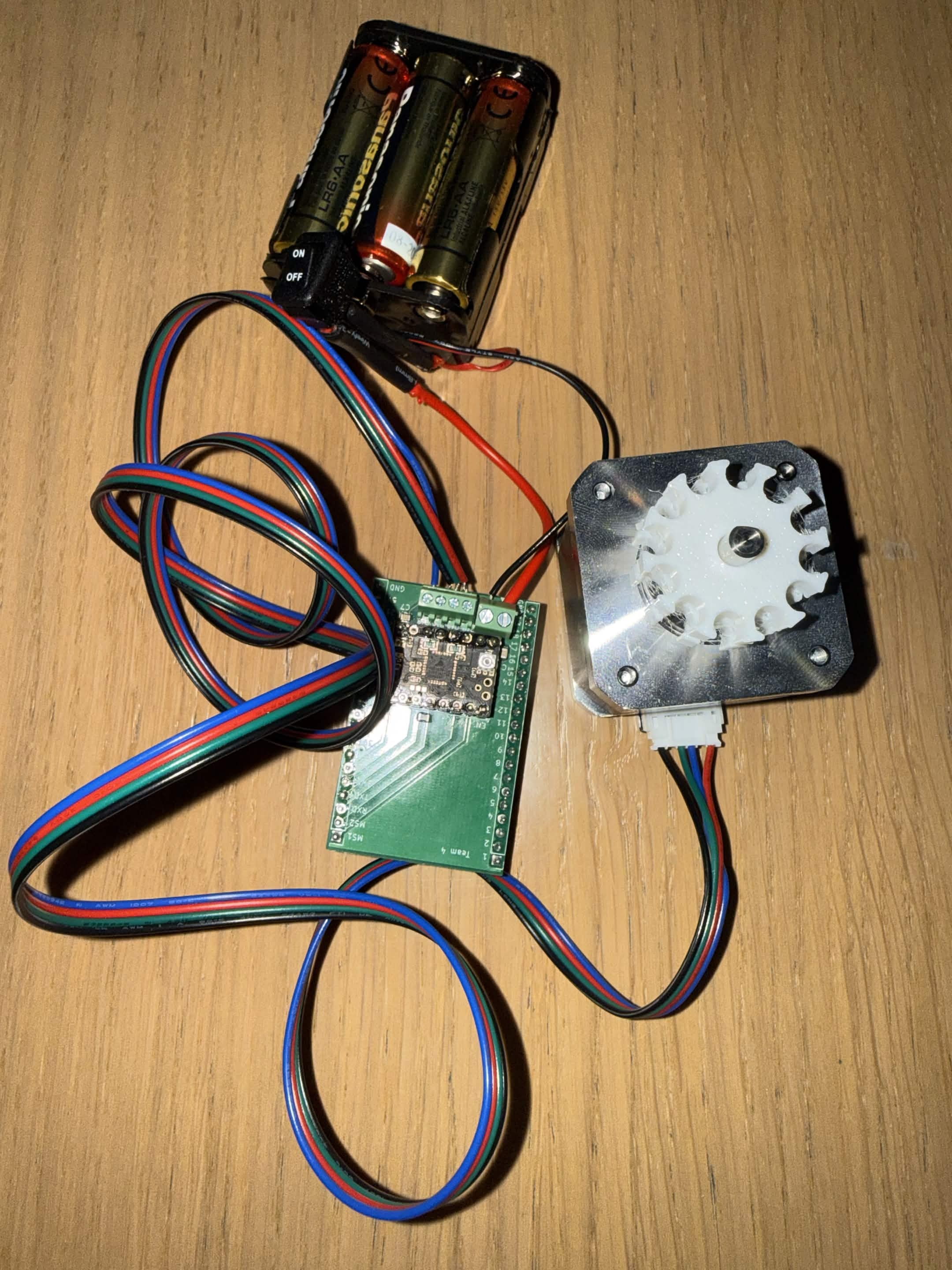
This tutorial explains how to wire an ESP32 to a TMC2209 stepper motor driver and control a NEMA 17 motor using microstepping for smoother AutoBlinds movement.
- 1 Wire the ESP32, TMC2209 driver, and NEMA 17 stepper motor.
- 2 Set the microstepping mode using the MS1 and MS2 pins.
- 3 Upload firmware that sends STEP and DIR pulses to spin the motor.
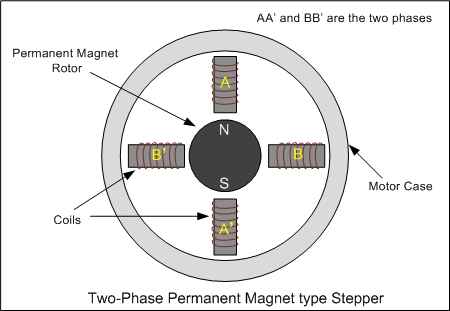
How a stepper motor works: A deep dive into the Nema 17
This tutorial explains how a NEMA 17 stepper motor uses two electromagnetic coils to generate rotational movement, and why 4 pins are required to control it with an Arduino and driver board.
- 1 Understand how current flowing through Coil A and Coil B generates an electromagnetic force that moves the rotor.
- 2 Learn why the motor needs 4 pins to allow current direction to be reversed in each coil.
- 3 See how the Arduino and driver board sequence the coil energization to produce smooth, controlled rotation.